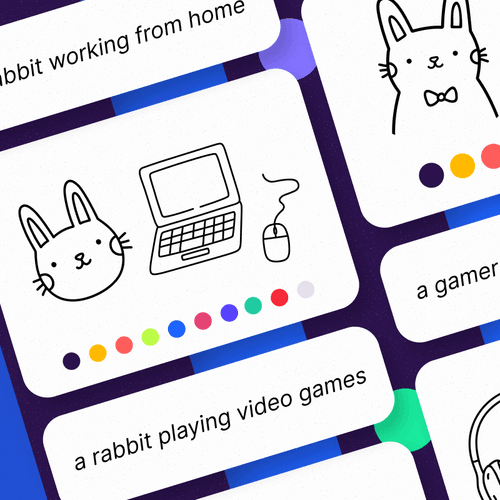
Draw Tales
Write, draw, and guess as each story changes from player to player.
DrawingWordTurn-based
DuelGroup
 Up to 12 players
Bring games right into your meetings, so everyone can play, compete, and connect without leaving the call.
 Easy to install
 Play right in your meeting
 Free to get started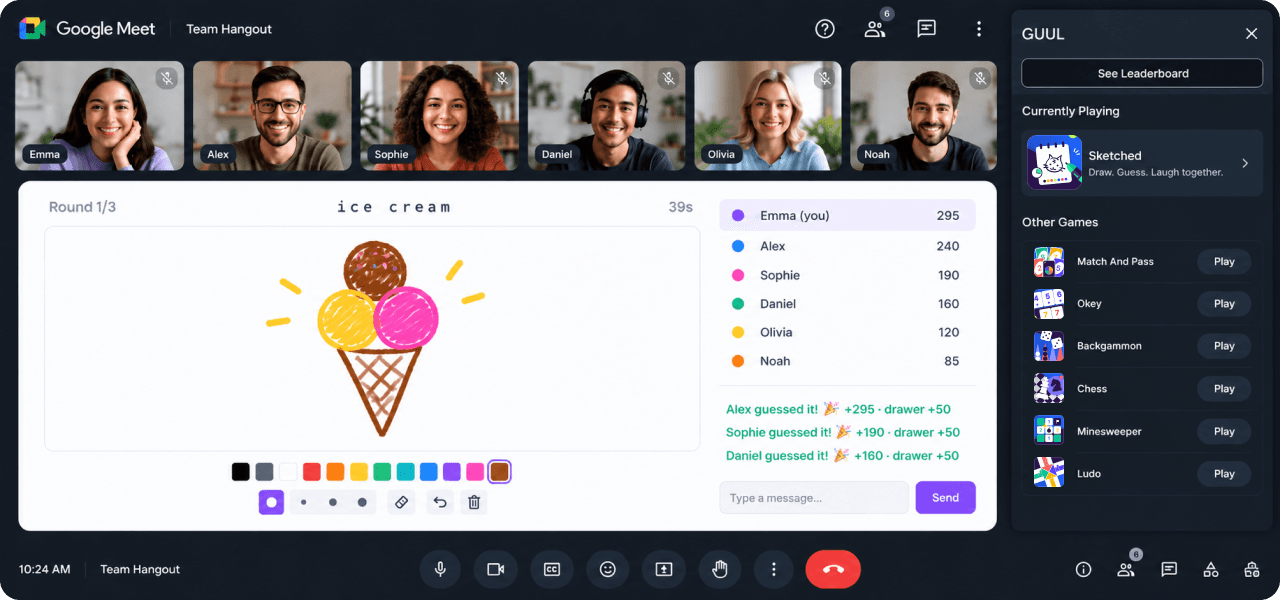
Explore multiplayer games you can launch and play together without leaving Google Meet.
Write, draw, and guess as each story changes from player to player.
Up to 12 players
Get your team to guess the word without using the forbidden clues.
Up to 12 players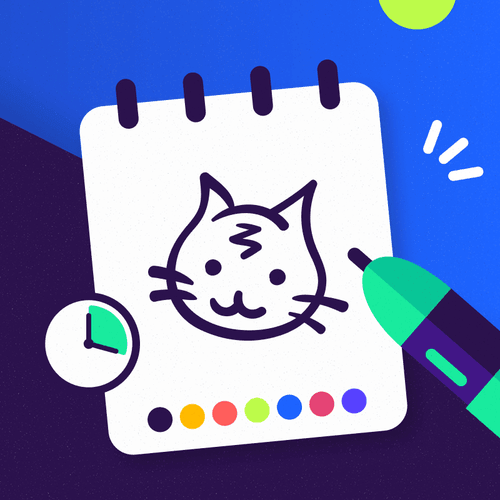
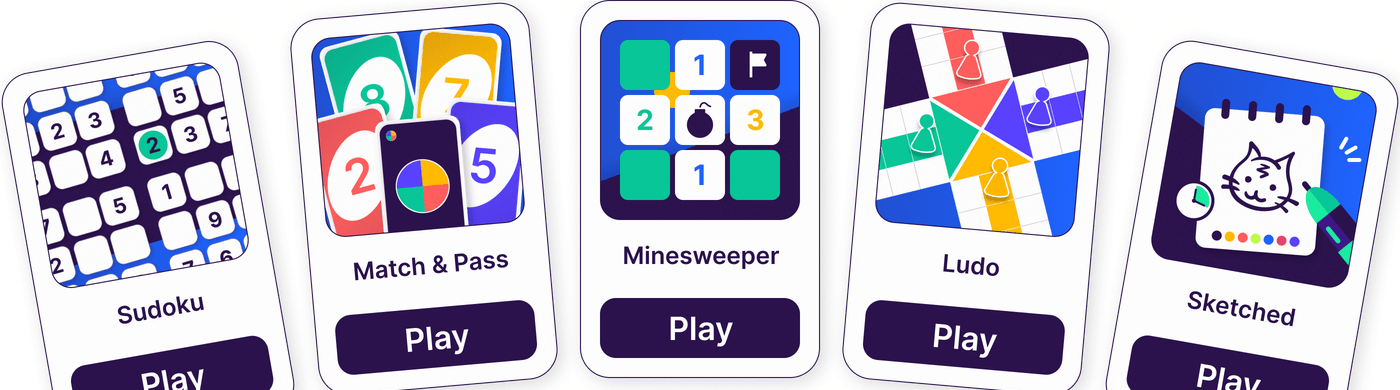
Draw the word, guess other players’ sketches, and score points.
Up to 12 players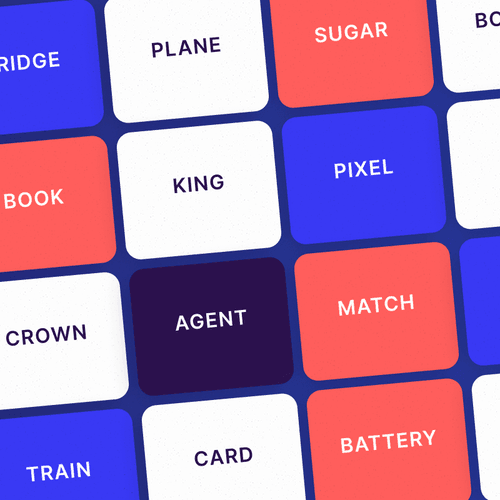
Give one-word clues to help your team uncover the right agents.
Up to 8 players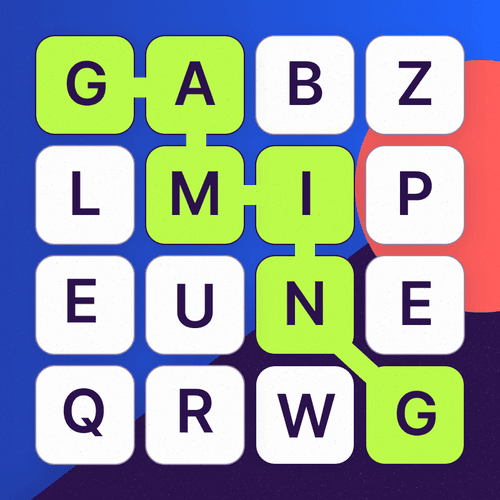
Find as many words as you can in a grid of mixed-up letters.
Up to 8 players
Race off-road, take sharp turns, and beat your rivals to the finish.
Up to 6 players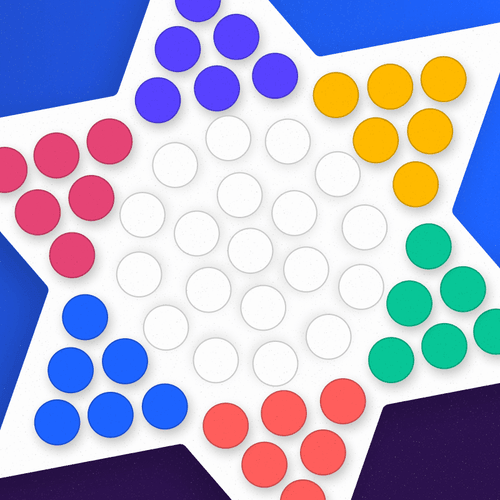
Move and jump your pieces across the board to reach the opposite side.
Up to 6 players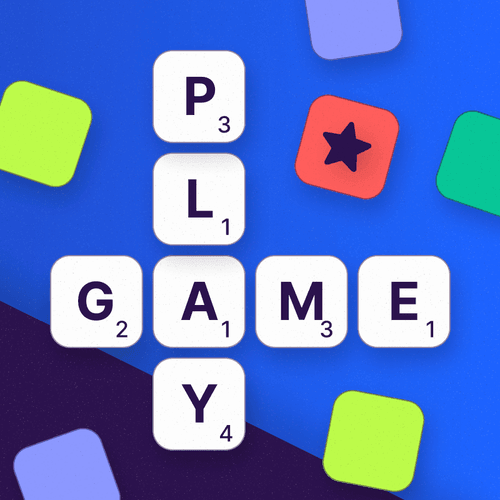
Build words with letter tiles and score more points than your rivals.
Up to 4 players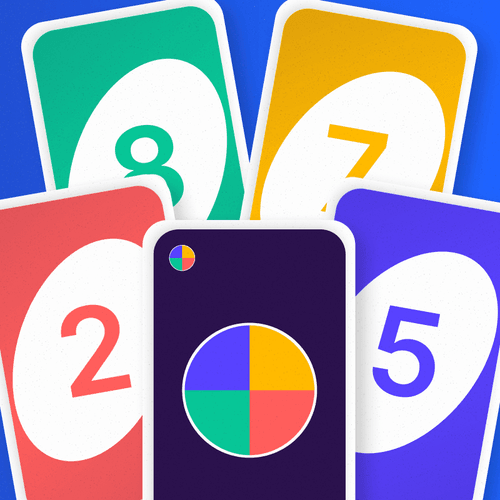
Match colors or numbers, play action cards, and clear your hand first.
Up to 4 players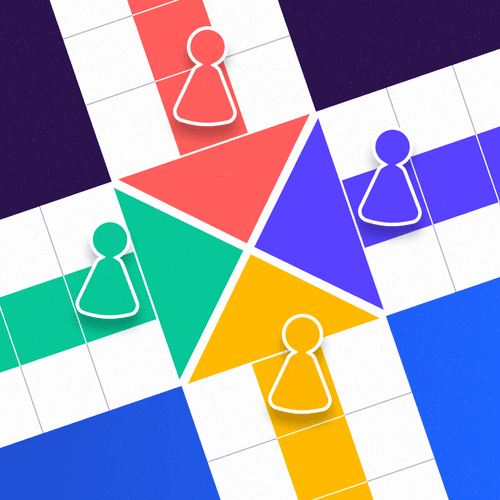
Race your pieces around the board and get them all home first.
Up to 4 players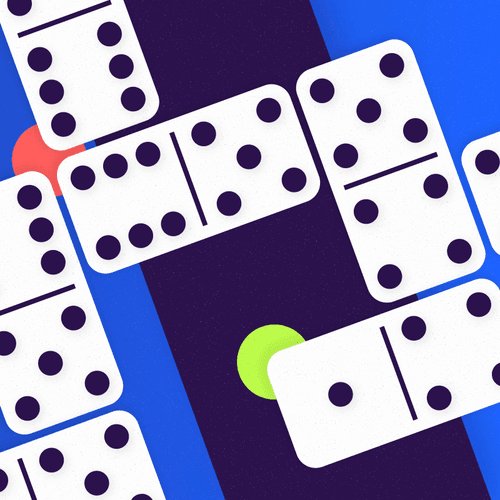
Match tiles by number and be the first to play all your pieces.
Up to 4 players
Plan your moves, outmaneuver your rival, and checkmate the king.
Up to 2 playersAdd GUUL to Google Meet once, then start a game whenever your meeting needs one.
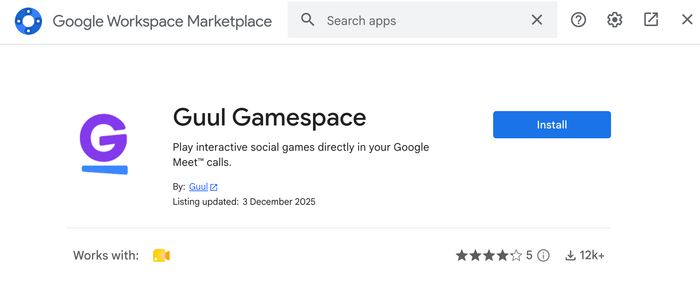
Install the GUUL add-on from the Google Workspace Marketplace.
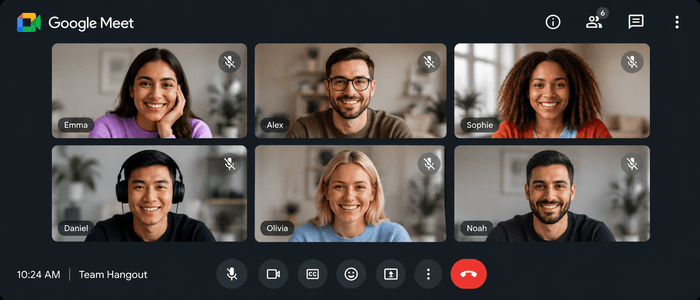
Start a new meeting or join one already on your calendar.
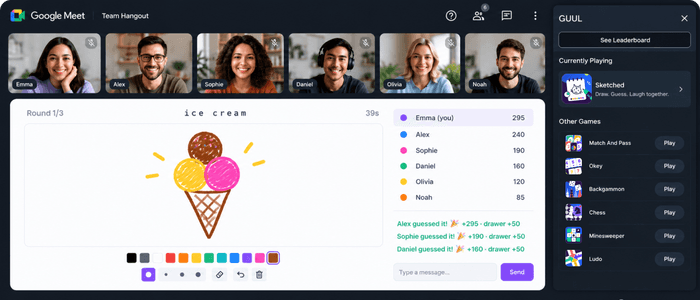
Open GUUL from the side panel, pick a game, and invite everyone to join.
Play together in Google Meet, with more ways to keep going beyond the call.
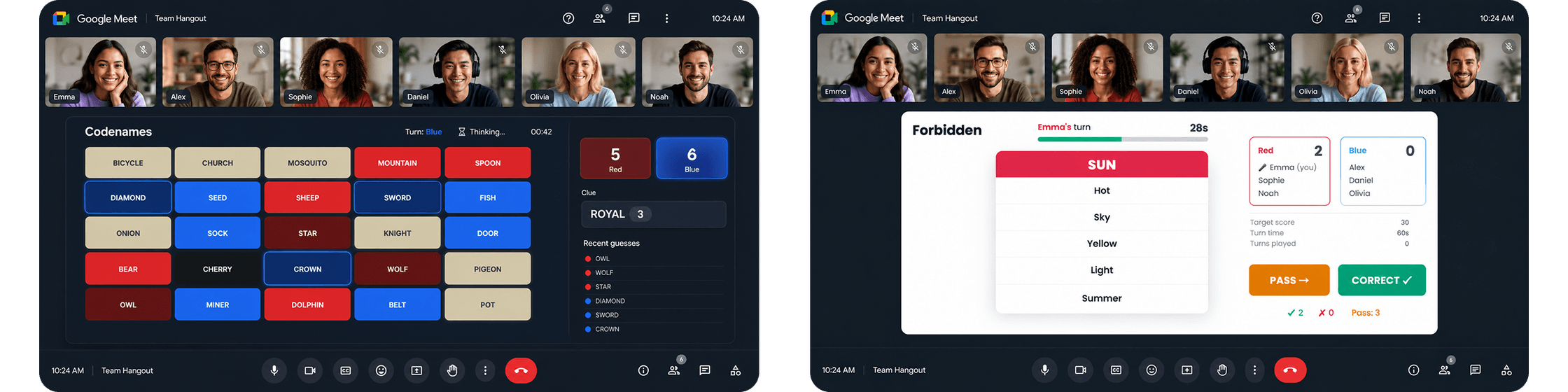
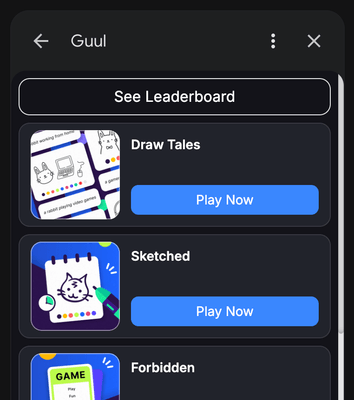
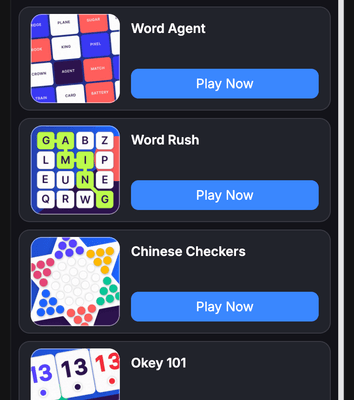
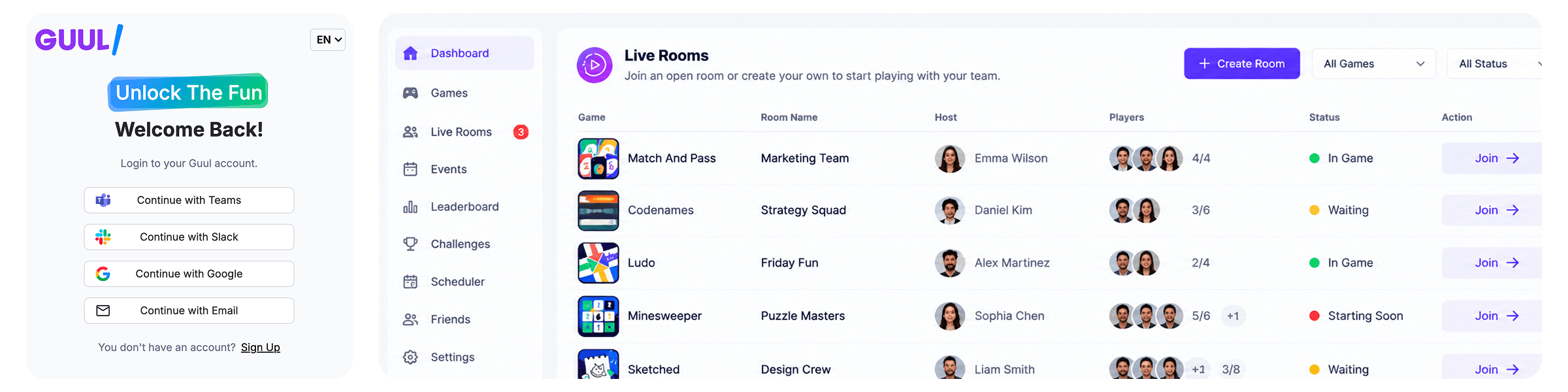
Quick tutorials to help you get started with GUUL in Google Meets.
Watch our video tutorial on how to install GUUL in your Google Meet calls.
Bring your team together with games you can play right inside the meeting.


